
Strengthen procedural compliance
Field teams and authorized users can evaluate the execution of critical steps together.
Review critical work steps through live video or recordings. Check the work against your procedures and keep a record of the assessment.
A field worker shows a critical step. An authorized reviewer checks the work and provides guidance. The video and review result create a record that can be consulted later.
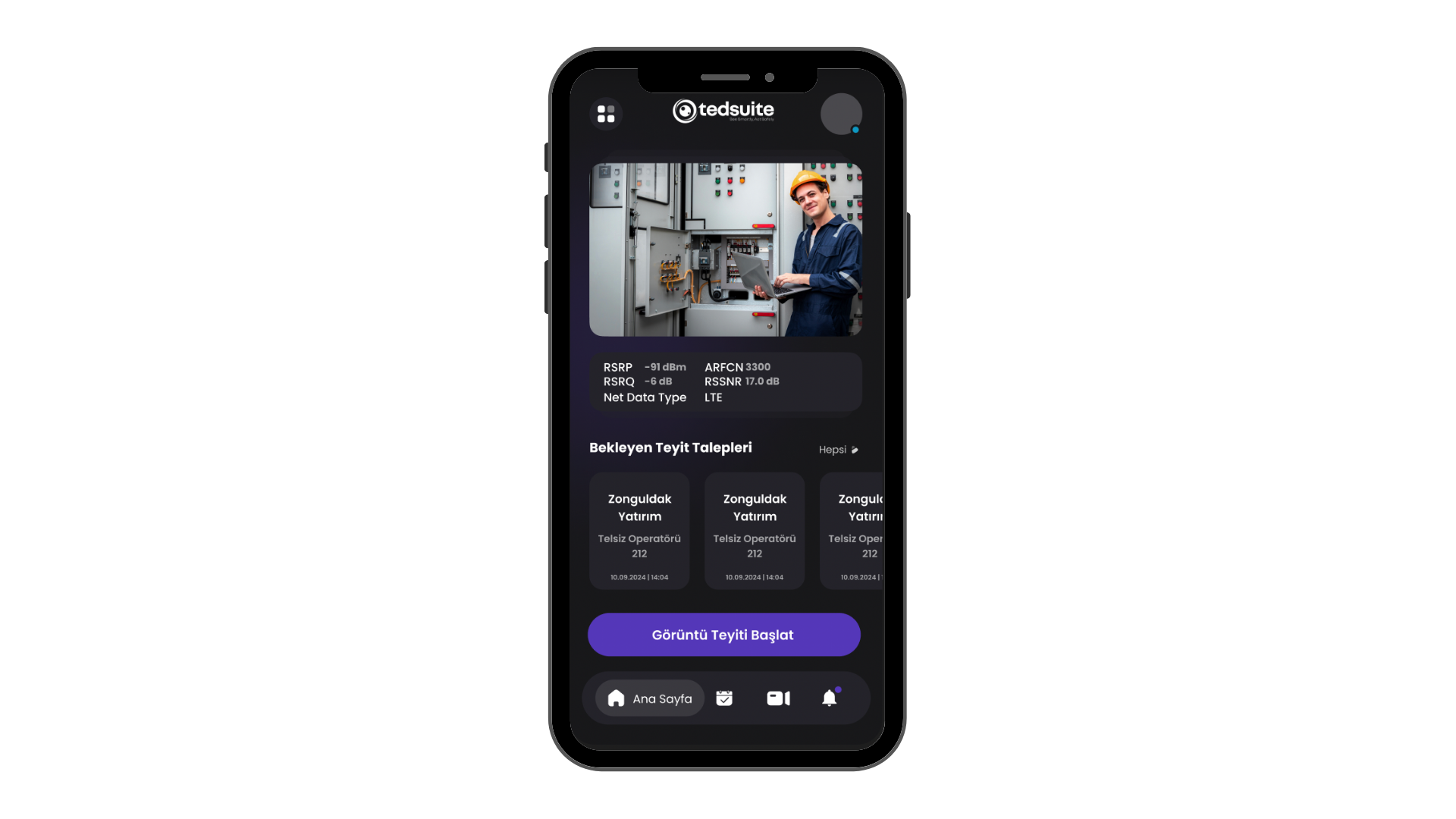
Visual verification allows an authorized user to check critical fieldwork steps through video. Tedsuite links the recording to the relevant job, category and compliance assessment so the review can be traced.
Verification points are defined around the organization’s work types and procedures. Decide which steps need live interaction and which can be reviewed afterwards.
Review recordings alongside the team, time, work type and work order details available through the project integration.
An authorized user assesses findings and sends guidance to the team. The recording and review result remain available for follow-up.
Live verification supports interaction at that moment. Offline recording supports later review and does not replace procedures requiring real-time approval.
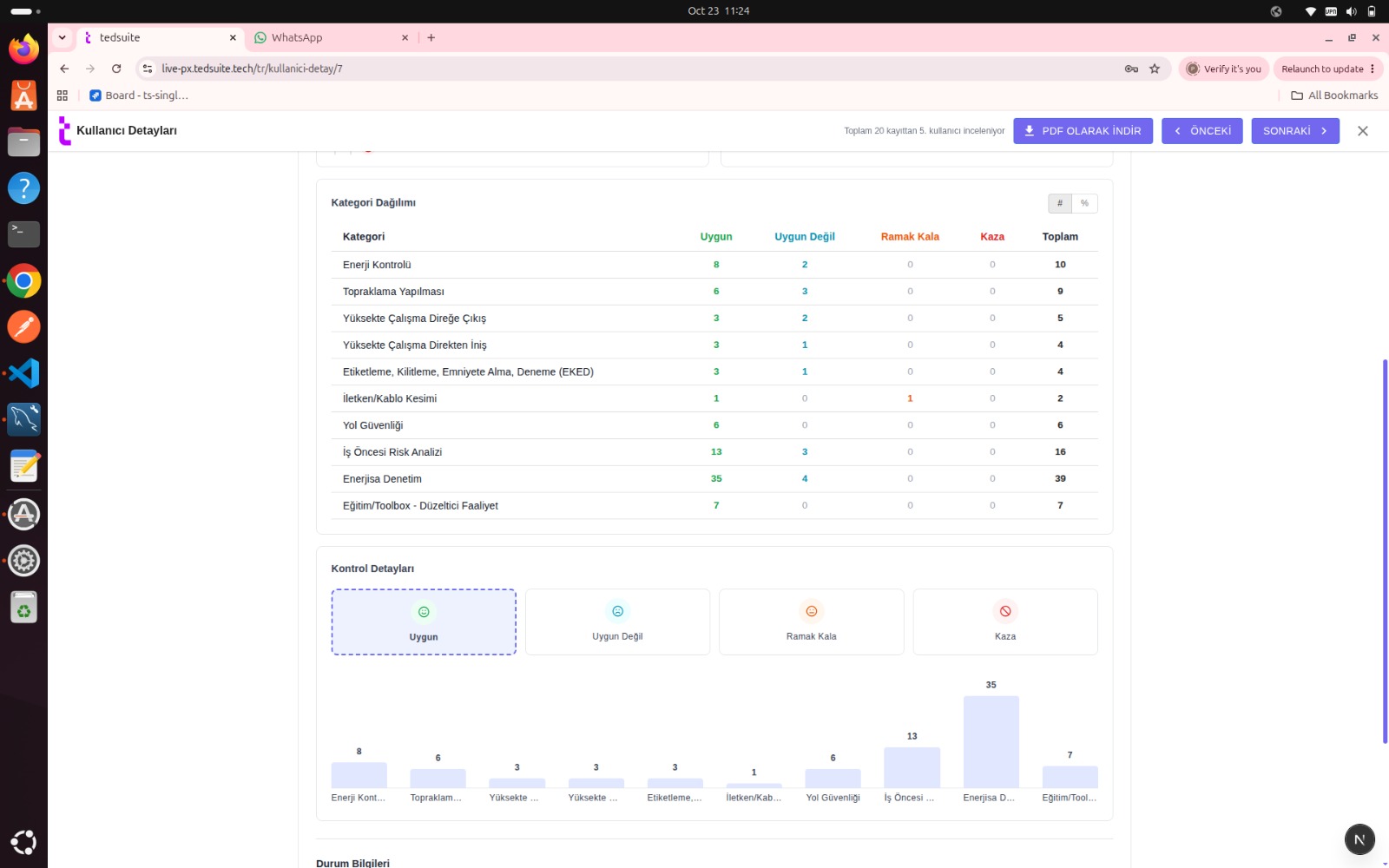
Connect video recordings with work order details. See which jobs have been reviewed, the assessment results and any findings that need follow-up in one place.
Explore visual verificationField teams and authorized users can evaluate the execution of critical steps together.
Consider visual work records together with compliance findings and categories.
Relate the enterprise work status to a record showing how the job was performed.
A maintenance team reaches a verification point defined by the organization. The field worker shows the relevant step and the operator reviews it against the required procedural context. Feedback is returned to the team. The recording and review result are linked to the work order within the project integration.
Visual verification means reviewing a critical work step through video. Depending on the project workflow, teams may use a live connection or review a recording later. A live connection requires internet access.
Recordings and assessments can be associated with work order context. The work order identifier, transferred fields and enterprise system connections are defined within the project.
Tell us about your workflow and inspection needs. We’ll walk you through how Tedsuite could fit your operation.