
Mobile visual verification
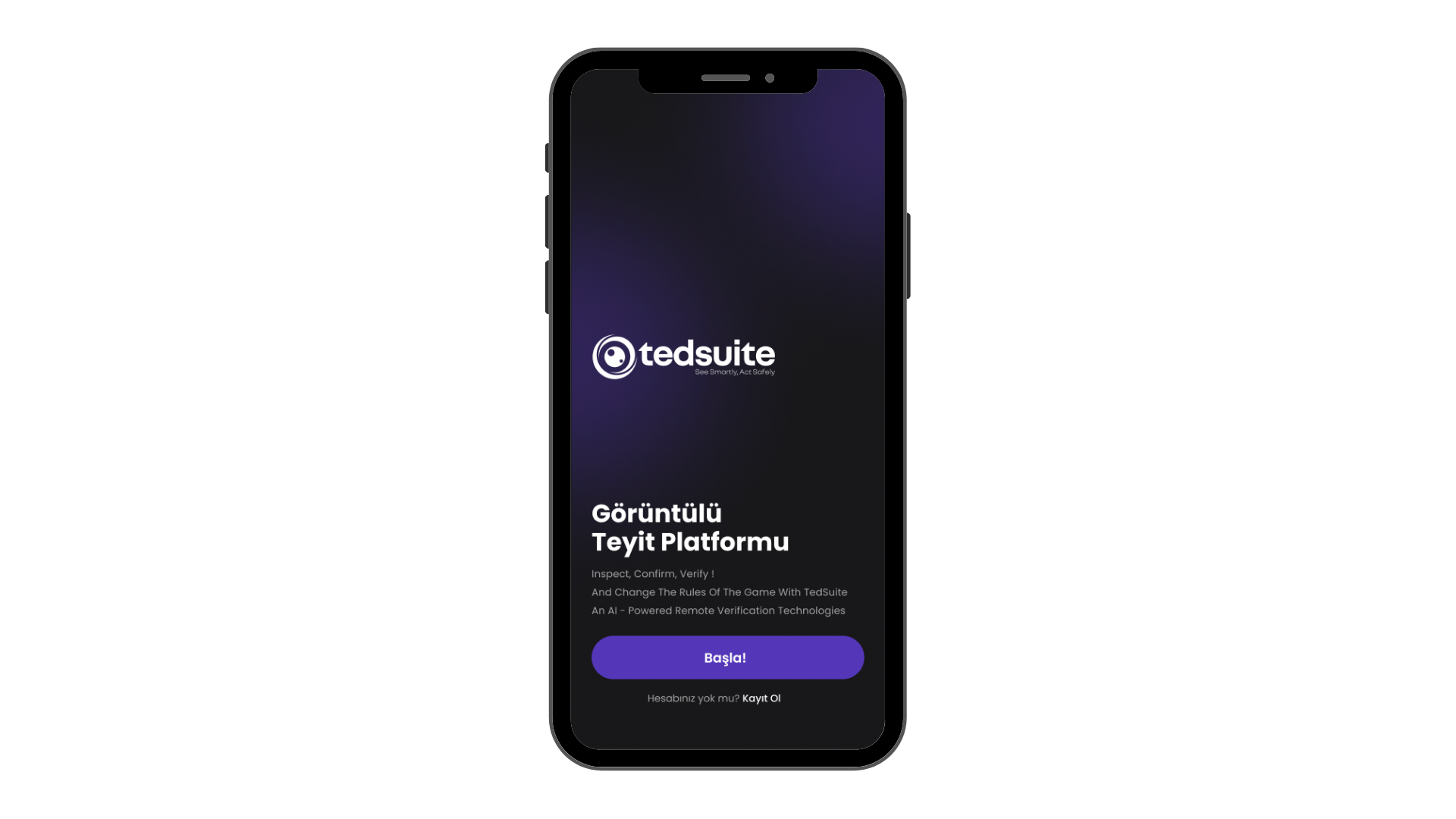
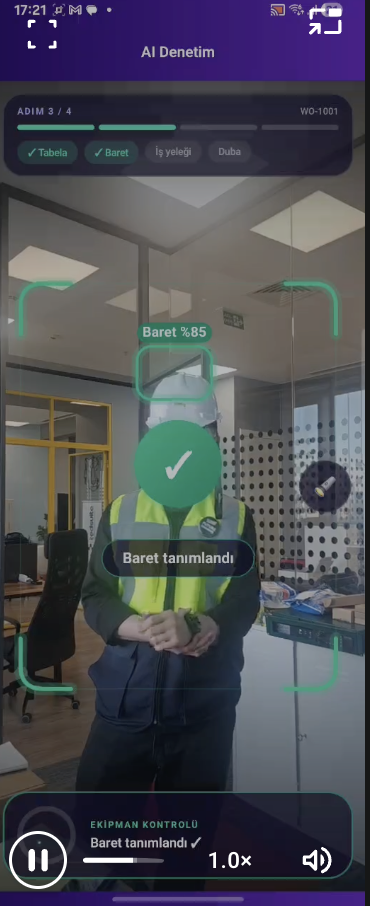
Share critical work steps with the operations center using the Android or iOS app. During a live connection, an authorized reviewer can check the video and guide the field team.
Follow fieldwork from capture to review with live visual verification, mobile recording, web-based inspection and reporting.
Bring recordings, review findings and team activity together with TS.Insight. See which jobs have been reviewed and where teams need support.
Explore operational intelligence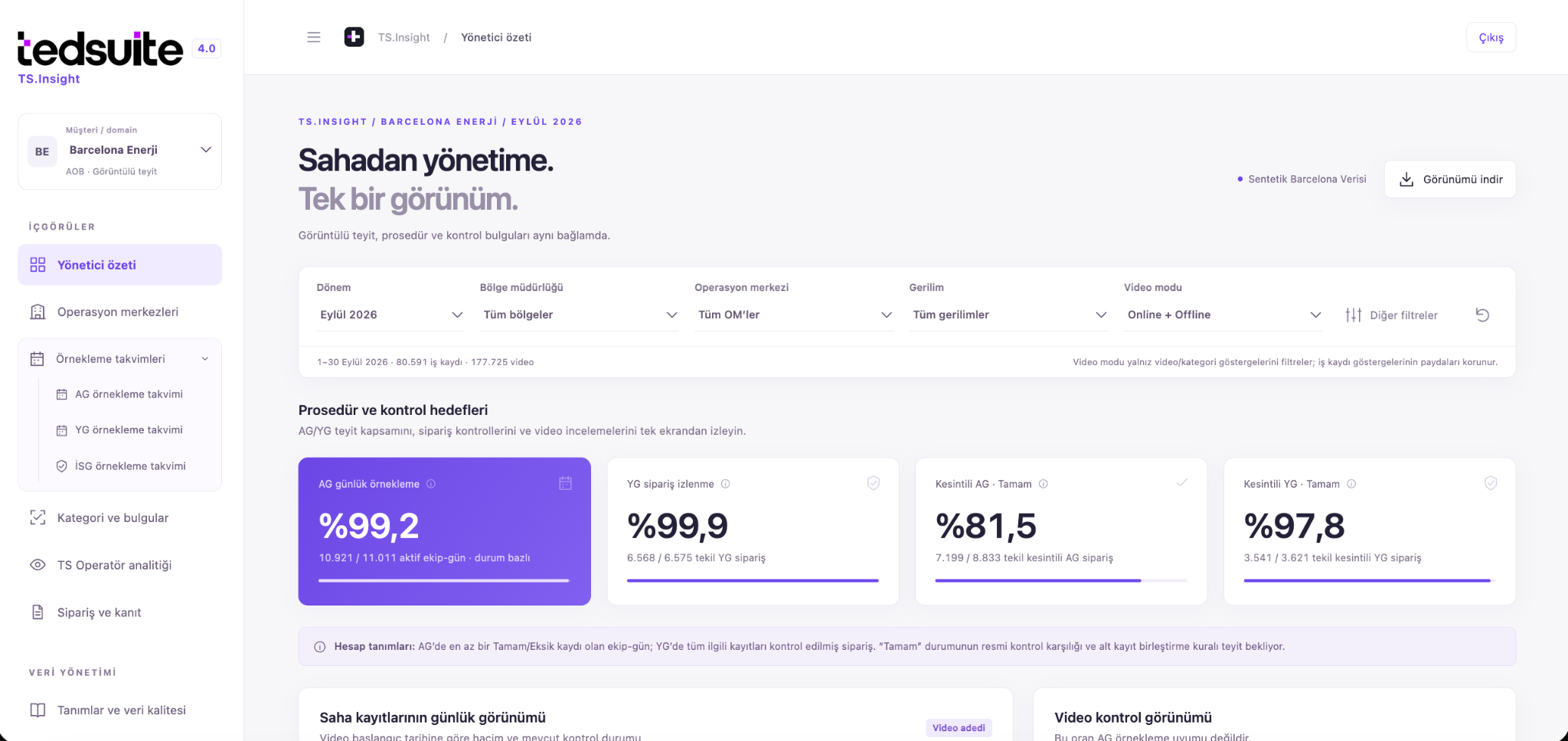
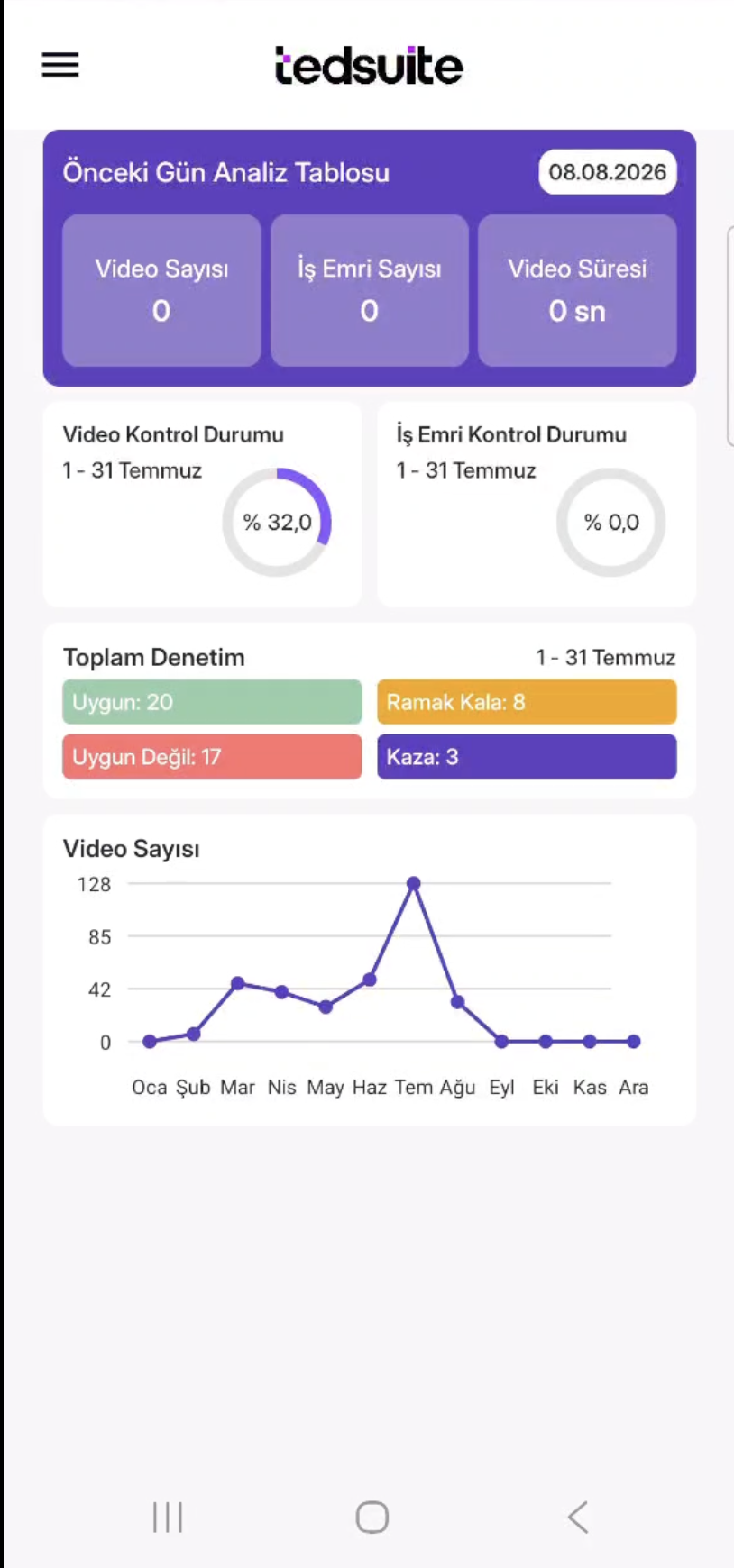
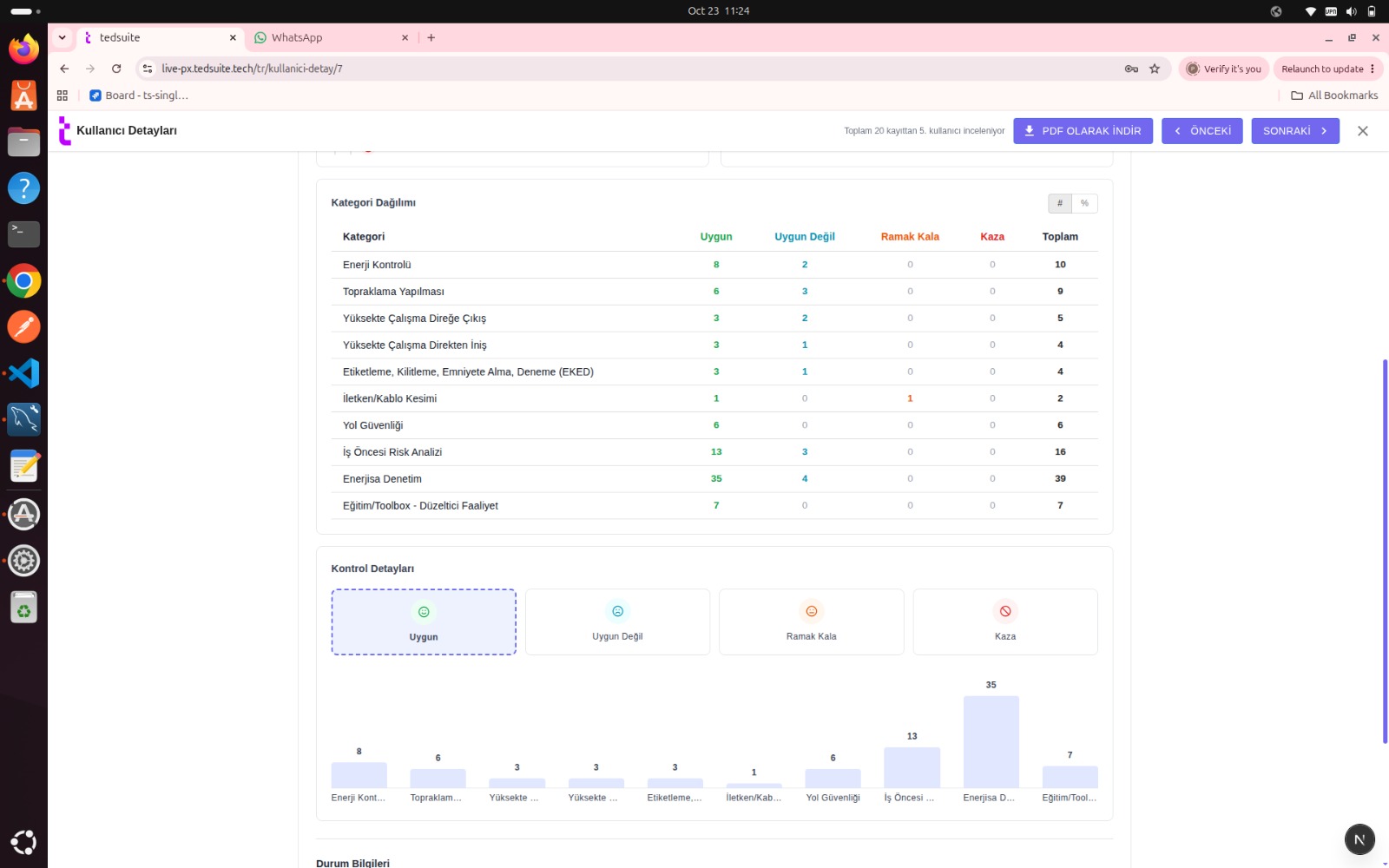
Connect video recordings with work order details. See which jobs have been reviewed, the assessment results and any findings that need follow-up in one place.
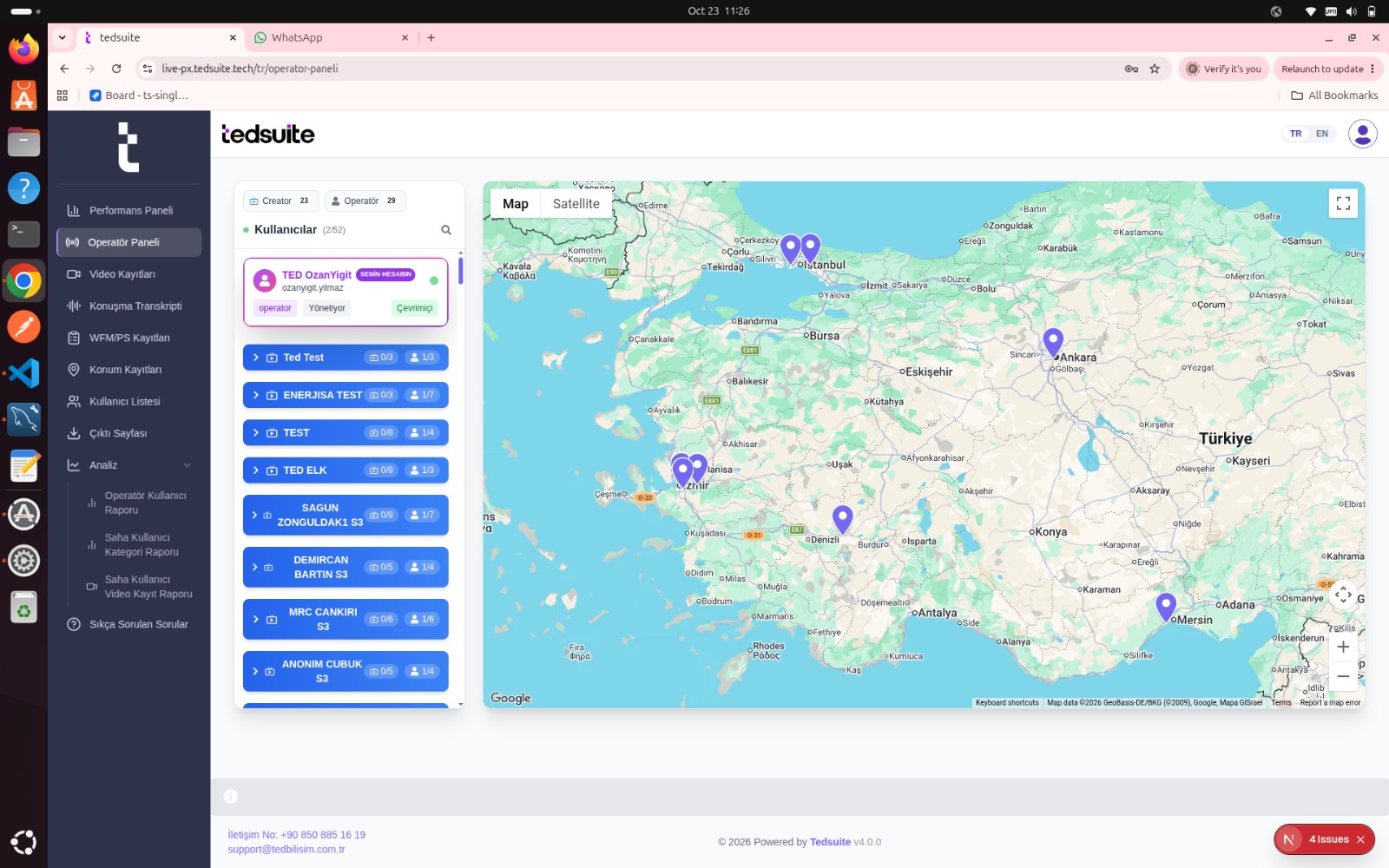
Explore visual verificationSee where teams are working on the map. Reach jobs that need live support and review recordings later to follow inspections across regions from a central location.
A field worker shows a critical step. An authorized reviewer checks the work and provides guidance. The video and review result create a record that can be consulted later.
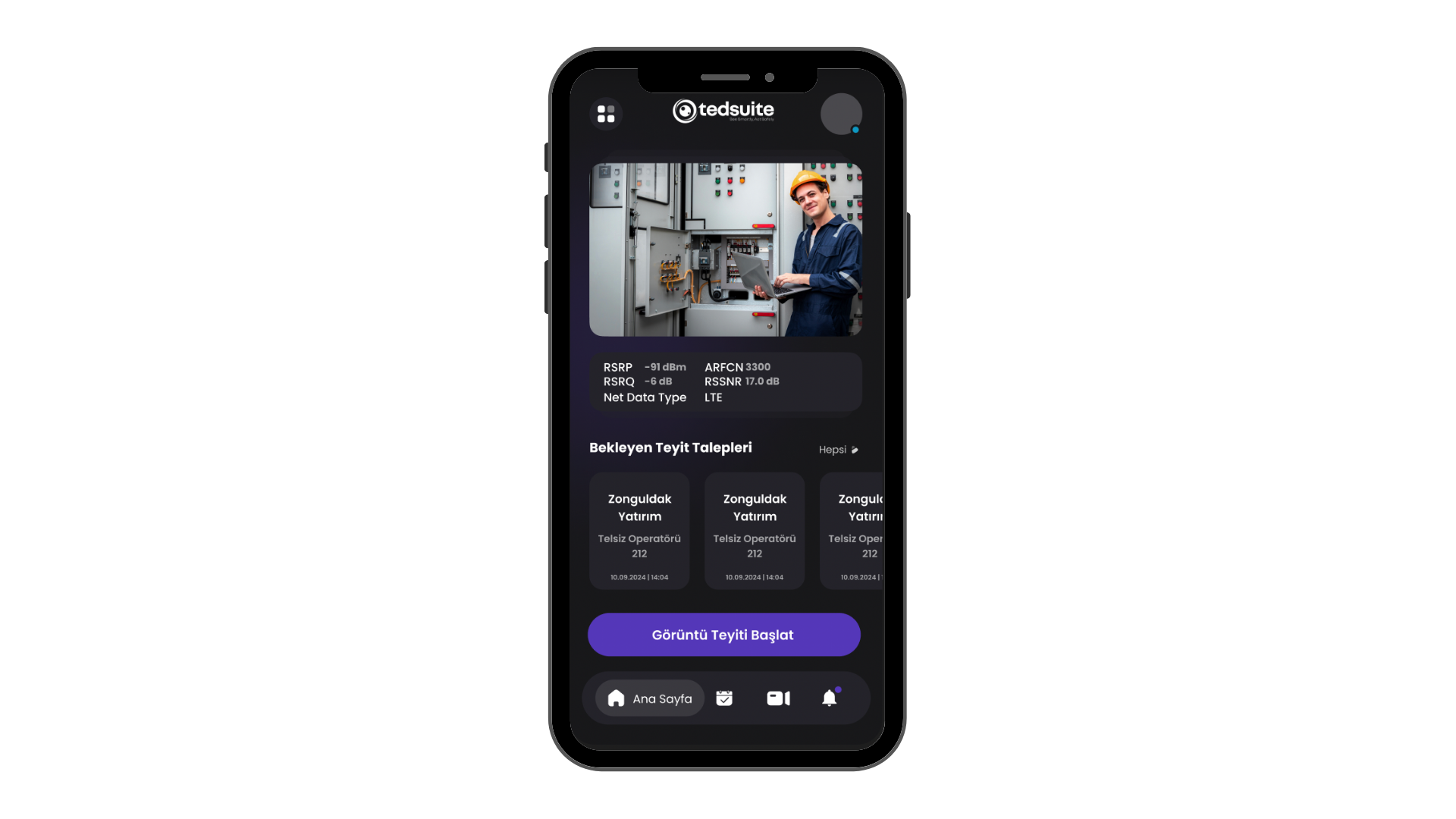
Explore inspection distribution by operations center and province. Read video, work record and order counts together.
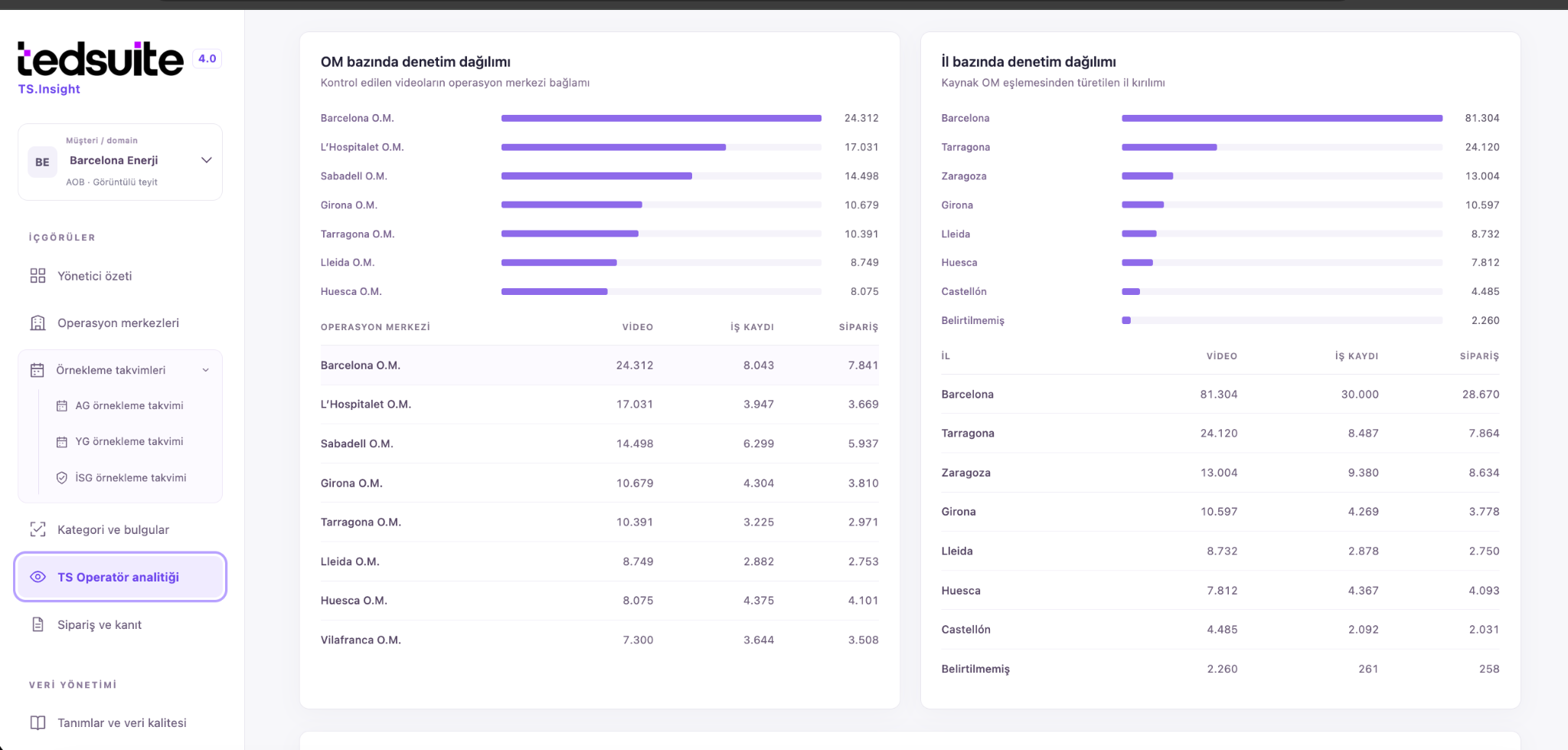
Combine modules for field recording, inspection, reporting and communication. Modules and integrations are agreed as part of each project.
The foundation for visual verification, recordings and authorized inspection.
Track review results by team, work type and location, and create operational reports.
Project-specific integration with work orders, SAP/ERP and reporting systems.
Communication and coordination between field and center with the ProPTT2 infrastructure.
Post-recording visual analysis and AI findings that support human evaluation.
Share critical work steps with the operations center using the Android or iOS app. During a live connection, an authorized reviewer can check the video and guide the field team.
Create visual records in areas without connectivity. Bring recordings into the central review workflow according to connectivity and project transfer rules.
Review recordings on the web and assess categories and compliance by work type. Handle near-miss and incident findings within the relevant workflow.
See review findings alongside their operational context. Explore improvement opportunities across teams, work types and evaluation categories.
Plan integration with work order and workforce management systems within the project. Connect field information to your organization’s existing processes.
Consider professional mobile devices and body-worn camera scenarios for your working conditions. Evaluate device, application and project compatibility together.
Field teams capture the work, authorized users review it, and managers follow the results.
Share critical steps through live video. Where connectivity is unavailable, record the work offline for later review.
Authorized users review recordings, classify findings and assess compliance. Feedback reaches the field team where action is needed.
Review recurring findings by team, work type and region. Use the results to plan training and process improvements.
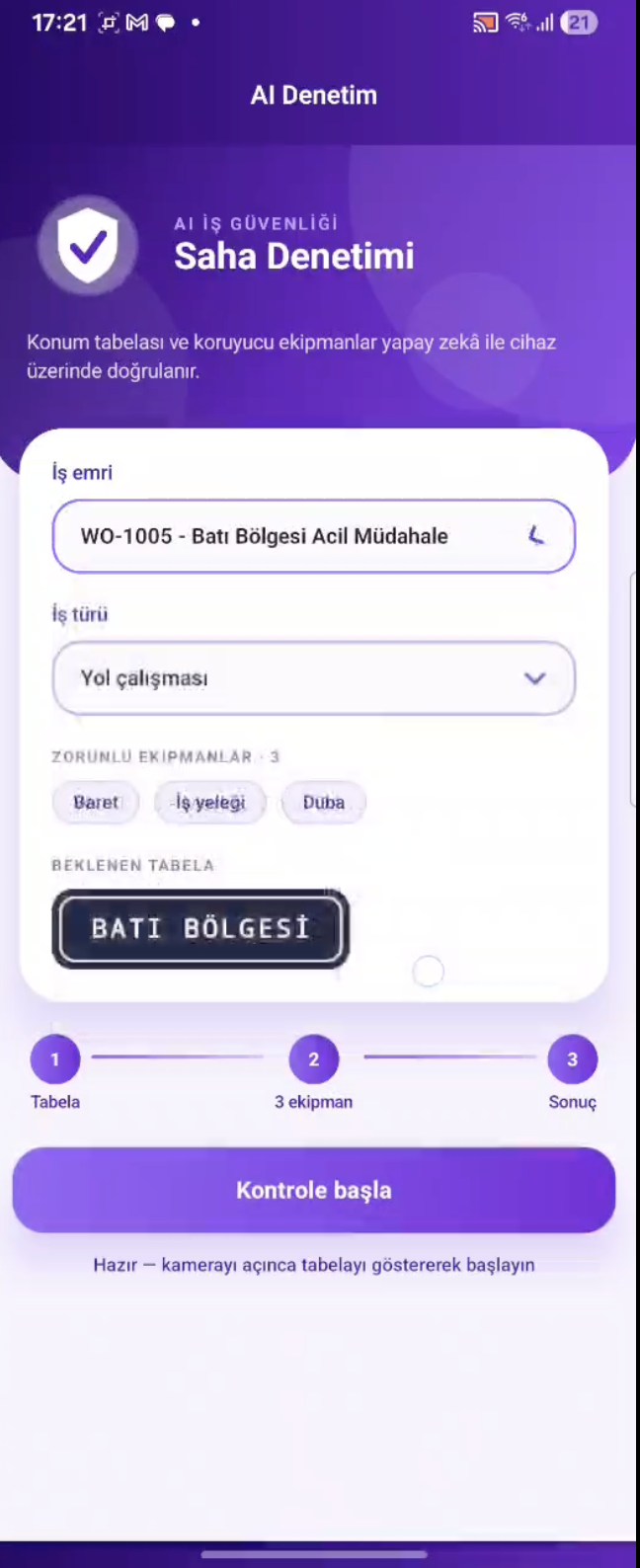
Our AI development focuses on highlighting visual findings to help specialists review recordings. The initial scope covers analysis after a recording is complete.
Development preview. Final assessment remains with the authorized reviewer.
Run Tedsuite on your organization’s infrastructure, with server, access and operating responsibilities agreed as part of the project.
Plan a cloud deployment around your organization’s needs, with agreed hosting, management, backup and recovery requirements.
Hosting, retention, access, backup, RPO/RTO and service levels are defined by customer requirements and the project agreement.
Operations, health and safety, quality and inspection teams managing distributed fieldwork. Its focus includes energy distribution and other workflows where reviewing how work is performed creates value.
An offline workflow can document fieldwork for transfer and retrospective review once connectivity is available. Live visual verification requires a connection. Transfer and review rules are defined within the project.
Field teams use the Android or iOS app, while authorized users work through the web interface. Compatibility with body-worn cameras and professional field devices is assessed for each project.
Integration with work order and enterprise applications is evaluated against the customer’s data structure and processes. Connection methods, transferred fields and responsibilities are defined within the project.
The AI section describes Tedsuite’s development focus. Post-recording analysis and review prioritization are considered as support for human evaluation. Available features and project scope are clarified during the demo discussion.
Tell us about your workflow and inspection needs. We’ll walk you through how Tedsuite could fit your operation.